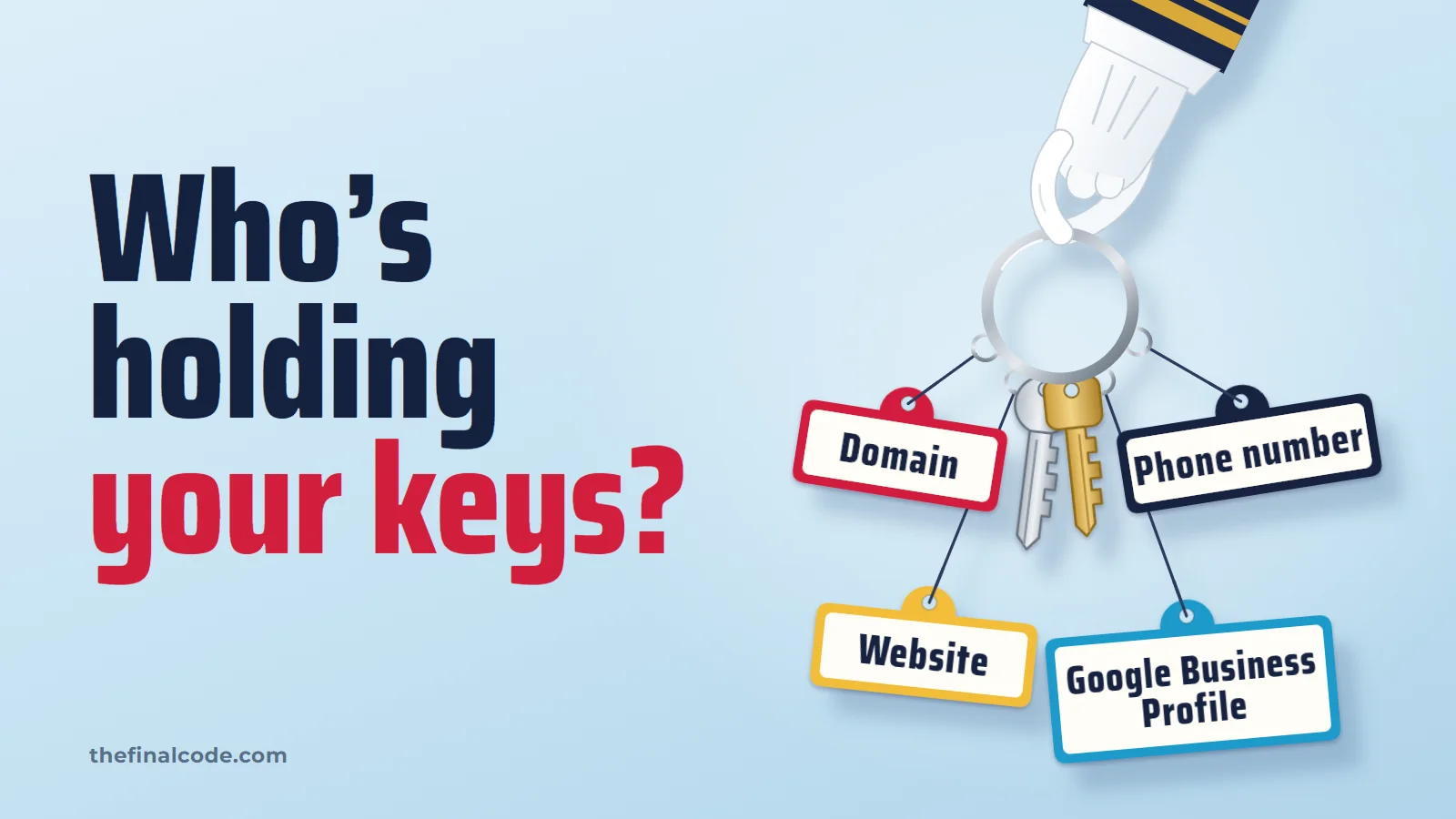
Who Owns Your Website? Check Before You Fire Your SEO Company
You’ve decided to switch SEO companies. The call to cancel goes fine, right up until someone mentions that the domain is registered to them, the Google listing has them as the owner, and the phone number on it runs through their system. Nobody hid anything. They set it all up in their own name, and nobody asked.
That’s BSEO at its worst. Not knowing what you bought is bad enough. Not owning it is worse. So before you move your marketing anywhere, to our Long Island SEO agency or anyone else, check who’s holding your keys.
The keys you should be holding
Eight of them. For each one: who should own it, and how to check in a few minutes. None of this takes a technical background, just your own login.
- Your domain name Should be: registered to your business, in a registrar account you can log in to. Check: log in at the company you pay for the domain every year. No login, no control.
- The website and its hosting Should be: your own administrator login to the site, and a hosting account in your name or with your login. Check: log in to the site's admin and open the list of users. Your name should have the top role.
- Google Business Profile Should be: you as the primary owner, the agency as a manager. Check: open the profile's settings and look at the list of people with access, and their roles.
- Google Search Console Should be: you as an owner. Check: Settings, then Users and permissions.
- Google Analytics Should be: an account that belongs to the business, with you as an Administrator. Check: Admin, then Account access management.
- Google Ads Should be: an account of your own, billed to your card, with the agency added as a user. Check: ask for the 10-digit customer ID, then log in and look at it yourself.
- The phone number on your listings Should be: your number, or a tracking number you keep when you leave. Check: look at the number on your Google listing and your ads. If it isn't yours, ask who owns it and whether it can be moved to you.
- Social pages, reviews and YouTube Should be: you as the admin. Paying for video marketing? The YouTube channel and the video files should be yours too. Check: each page's settings, under roles or admins.
Owner or manager: who can lock out whom
Most of these tools have two kinds of access, and the difference matters the day you leave. Google spells it out for Business Profiles: a profile can have “multiple owners but only one primary owner,” and managers can do nearly everything owners can. “The only exception is they can’t add or remove users or remove the profile.”
They own it. You manage it.
- They can remove you.
- You can't remove them.
- You can't delete it, transfer it, or leave with it.
You own it. They manage it.
- They can still do all the work.
- You can remove them the day you leave.
- Nothing has to be rebuilt.
Owner: Has full control over properties in Search Console.
Google Search Console HelpTo add or modify users or user groups, you need to have the Administrator role at the account or property level.
Google Analytics HelpGoogle requires that you use a separate account for each end-advertiser that you manage.
Google Ads third-party policiesYou will assume sole responsibility for the registration and use of your domain name.
ICANN, to domain registrants
That last line from Google Ads matters more than it looks. It means there should be an ads account that is yours alone, even if you have never logged in to it. Whoever handles your Google Ads management should be a user on that account, not running your ads from inside theirs. The same goes for your profile: a local SEO company belongs on it as a manager, with you as the primary owner.
Ask before you give notice
Send this while things are friendly. You don’t have to say you’re leaving. It’s a fair request from any business, and a good company will just do it.
To your SEO company
Subject Account access for our records
Hi,
We're making sure everything for the business is in our own name. By the end of next week, could you please:
- Make us the primary owner of our Google Business Profile.
- Add us as an owner in Google Search Console.
- Add us as an Administrator in Google Analytics.
- Send our Google Ads customer ID and give us admin access, billed to our card.
- Confirm the domain is registered to the business, with a login we can use.
- Give us an administrator login to the website and to the hosting account.
- List any tracking phone numbers on our listings, and tell us whether they can be moved to us.
Thanks,
[Your name]
Ask to be added with your own login, not for their passwords. Once you have owner access, you can remove anything you no longer want there.
If they won't hand it over
Most companies will. If one doesn’t:
- Google Business Profile. Google has a request process for exactly this. The current owner “is then notified by email and has 3 days to respond,” and if they don’t, “you may have the option to claim the profile.” Google is clear that the option “isn’t always available,” so start early.
- The domain. Contact the registrar the domain is with. Under ICANN’s rules, registrants are owed “instructions that explain your Registrar’s processes for registering, managing, transferring, renewing,” so ask them for the transfer and dispute process in writing.
- Google Ads. Because Google requires a separate account for each advertiser, ask for your account’s customer ID. If your ads were never in an account of your own, the history stays where it was, and the next company starts a fresh one in your name.
- The website itself. Who owns the design, the copy and the code depends on your contract. If it isn’t clear, the next step is a lawyer, not a blog post.
Send us your website. We will show you the searches you are found for today and the ones you are missing, so whoever does the work next starts from a real number. No charge, and no obligation. Or call or text 805.243.8321.
Get My Free Visibility ReportWhoever you hire, the keys stay with you. Real SEO services can do all their work as a guest in your accounts.