Google Business Profile Optimization: The Checklist We Use for Clients
It’s the Friday after Thanksgiving. A family pulls into your lot because Google said you were open until five, and the door is locked. They don’t call to complain. They just drive to the next shop on the map, and the next time they need what you sell, that’s who they search for by name.
A Business Profile is the first thing a lot of customers see, often before your website, and it’s the one most owners haven’t looked at in years. As a local SEO company in Ventura County, we open every new account by going through the profile one field at a time, comparing it to Google’s own rules. This is that list.
The profile, field by field
Every field below is something a customer reads and something Google uses to decide what you are. Getting the order right matters less than getting each one true.
- 1Business nameExactly what's on the sign. Nothing added.
- 2CategoriesOne primary that describes the whole business, a few additional ones, no more.
- 3HoursRegular hours, plus special hours for holidays before the holiday arrives.
- 4DescriptionUp to 750 characters about the business itself.
- 5PhotosReal ones, well lit, of the place and the work.
- 6PostsUpdates, offers and events, kept current.
- 7ReviewsAsked for from everyone, answered by a person.
Your name is not a keyword field
This is where most profiles go wrong, and it’s the mistake that can get a profile suspended. Google’s guidelines say Your name should reflect your business’s real-world name
and that Including unnecessary information in your business name isn’t permitted.
The same page lists what a name must not include, among them marketing taglines, store codes and business hours information.
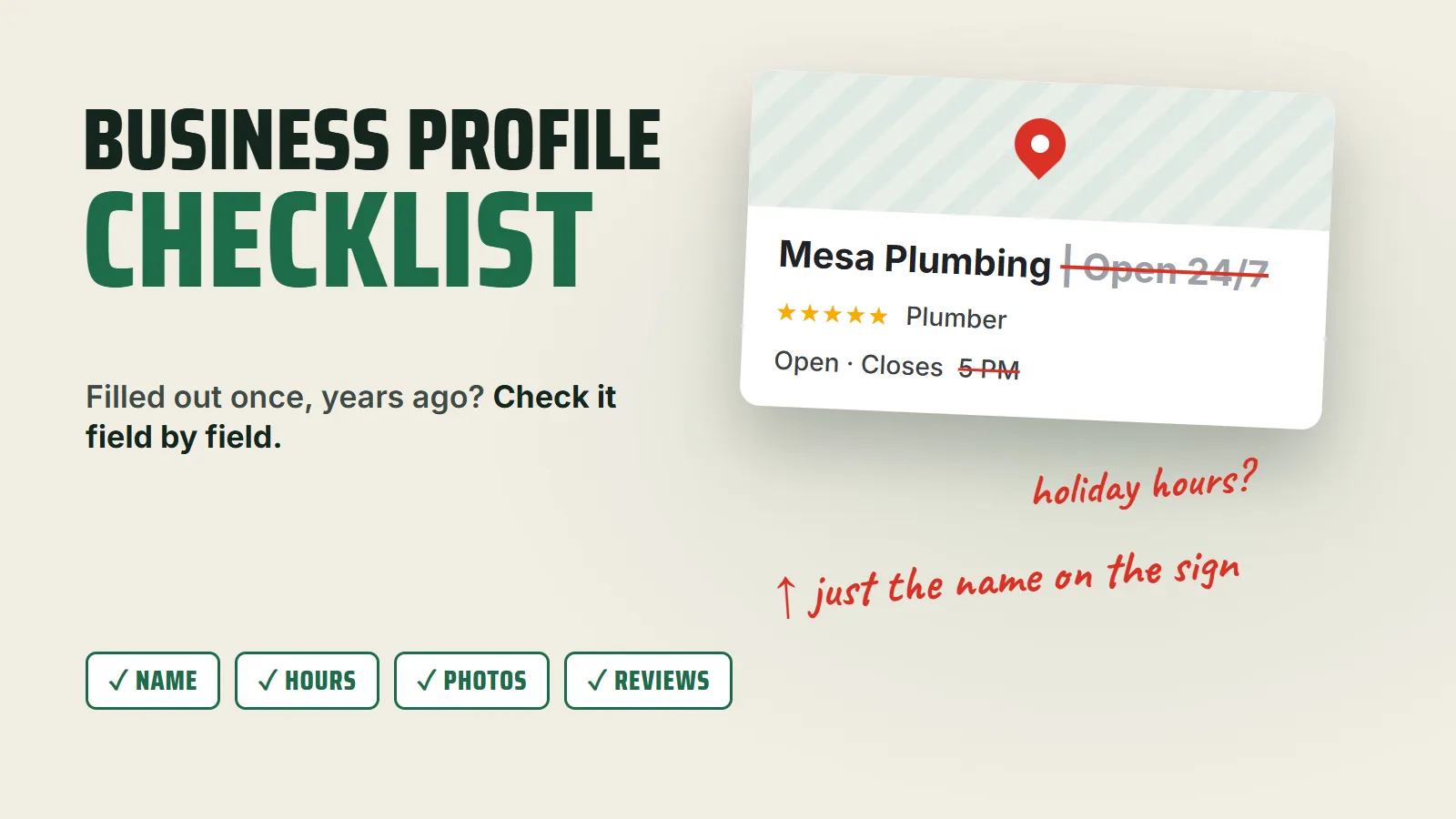
An example name, not a real business. Competitors can suggest edits to your profile, and a name stuffed with keywords is the easiest thing in local search to report. If the extra words are the reason you rank, you’re one edit away from losing it.
Categories, hours and the description
Categories tell Google what kind of business you are, and fewer is better. Google’s help page says to Select a primary category that best describes your business
and warns: Do not select a category for every product or service.
The guidelines put it another way: Use as few categories as possible to describe your overall core business from the provided list.
Your individual services belong in the services list and on your website, not in a pile of categories.
Hours are the field that loses customers most directly, as in the Thanksgiving story above. Google asks you to Provide your regular customer-facing hours of operation
and adds, You may also specify special hours for particular days, like holidays or special events.
Set those special hours a few weeks ahead, not the morning of.
The description gets 750 characters. Google says Do not exceed 750 characters in the description field
and Do not include URLs or HTML code.
It also asks you to Focus primarily on details about your business instead of details about promotions, prices, or sales.
Write it the way you’d describe the business to a neighbor: what you do, who you do it for, where, and how long you’ve been at it.
Photos and posts that look like you
Google publishes the photo standards: JPG or PNG, between 10 KB and 5 MB, with a recommended size of 720 by 720 pixels. On quality, it says The photo should be in focus and well lit, and have no significant alterations or excessive use of filters. In other words, the image should represent reality.
That rules out the stock photo of a smiling man with a clipboard. Your storefront, your team, your trucks and your finished jobs say far more. Short clips work too, and a few honest videos of the work are some of the best content and video a local business can put anywhere.
Posts are the part of the profile you can change every week. Google describes them as a way to share announcements, offers, updates, and event details,
and they show on Search and Maps. A post about this month’s offer or next week’s event tells a customer the business is open and paying attention, which an untouched profile doesn’t.
Reviews you ask for, replies you write
Ask every customer, not just the happy ones. Google’s contributed content policy lists, as rating manipulation, any attempt to Discourage or prohibit negative reviews, or selectively solicit positive reviews from customers.
The same policy rules out offering discounts, free work or payment in exchange for a review. So the system is simple: one link or QR code, sent to everyone, every time.
Then answer them. Google’s own reply tips are short enough to tape above the desk:
- Keep it short and simple. Google:
Customers value direct and honest responses.
- Be conversational, not promotional. A reply that reads like an ad helps nobody.
- Apologize when appropriate. Google:
A genuine apology can go a long way in rebuilding trust.
- Respond in a timely manner. A reply three months later reads like nobody's home.
Sources: Google Business Profile Help, "Guidelines for representing your business on Google," "Manage your business category," "Edit your Business Profile," "Manage your Business Profile photos & videos," "Create & manage posts on your Business Profile," "Tips to get more reviews"; Google Maps, "Prohibited & restricted content."
A profile is never finished
The checklist above takes an afternoon. Keeping it true takes a few minutes every month: new photos, a fresh post, holiday hours set early, every review answered. That steady upkeep is most of what good local SEO work looks like, and it’s the part that gets dropped first. If you pay someone to manage your profile and can’t say what they changed last month, that’s BSEO: paying for something and not knowing what you bought.
It matters beyond the map, too. When someone asks an AI assistant who to call, the answer leans on the same public business details, which is why the profile is where our AI search visibility work starts for local businesses. A wrong phone number in one place can end up repeated everywhere.
Send us your website. We'll check your profile against this list, show you where you appear on the map in the area you serve, and tell you what's holding you back. No charge, and no obligation. Or call or text 805.243.8321.
Get My Free Market AssessmentThe profile and the website work as a pair, and both belong inside SEO done properly.