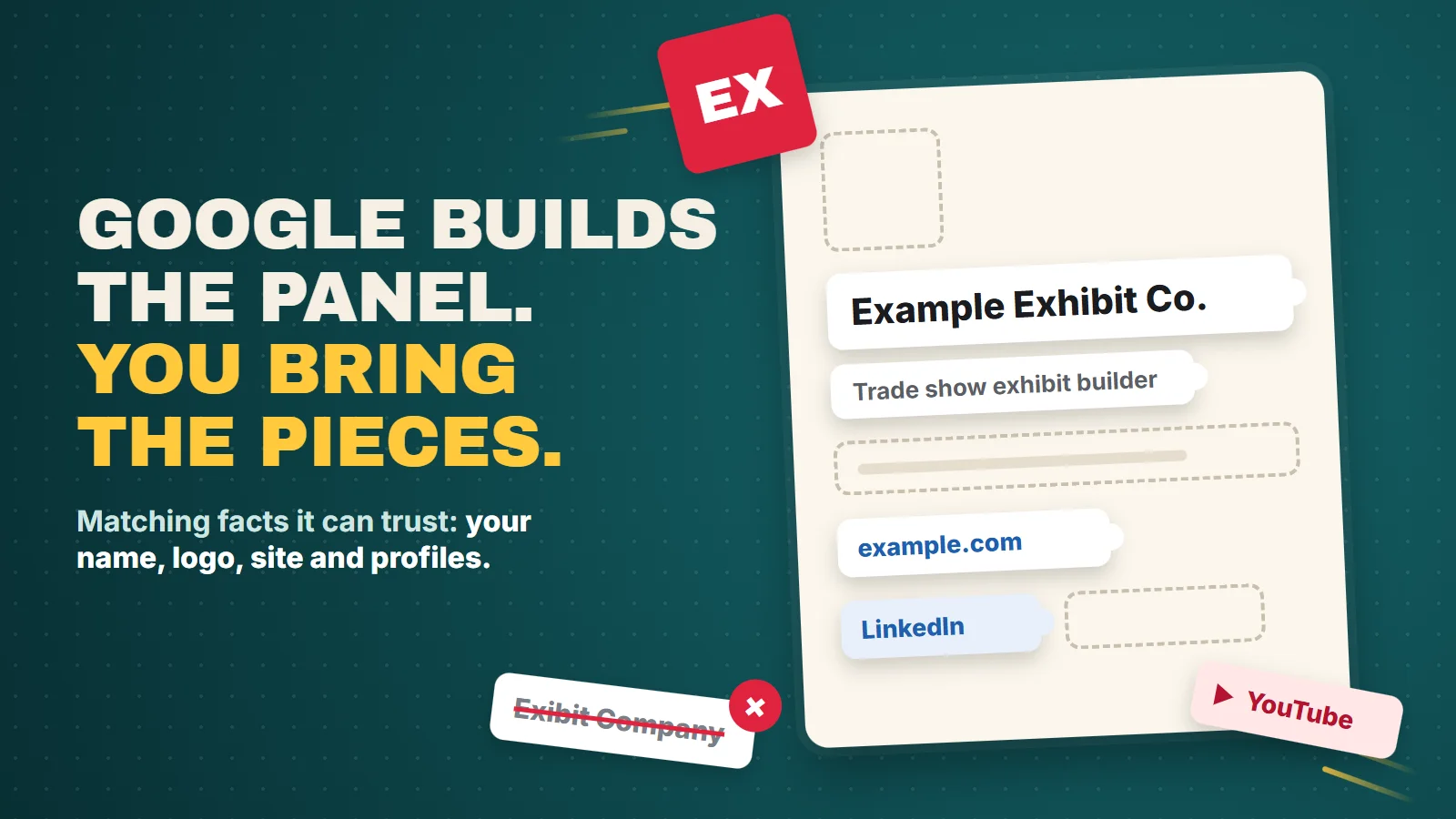
How to Get a Knowledge Panel for Your Business on Google
The owner of a company that builds trade show booths has a call with a new client at ten. Before it, she does what the client probably did last night: she types her company’s name into Google. Her website comes up first, and her reviews show. Then, out of curiosity, she types the name of the bigger firm she lost a bid to last spring. A box fills the right side of the page with its logo, a one line description, the year it was founded and links to its LinkedIn and YouTube. Her own search has nothing like it. How do you get a knowledge panel for your business? You don’t apply for one. Google builds knowledge panels on its own when it has gathered enough facts about you, and its help pages say it doesn’t make them by hand. What you can do is put clear, matching facts about your business where Google looks, claim the panel once it appears, and, if you serve customers locally, use the Business Profile panel Google built for businesses like yours.
Owners ask us about that box more than you’d think, and it sits right where traditional SEO and AI search visibility meet: both depend on Google being sure who you are. Everything below about how panels work comes from Google’s own help pages and Search Central documentation, quoted word for word. Where something is our opinion, we say so.
What is a Google knowledge panel?
Google’s definition: Knowledge panels are information boxes that appear on Google when you search for entities (people, places, organizations, things) that are in the Knowledge Graph.
The Knowledge Graph is Google’s database of billions of facts about people, places, and things
. A panel is the visible part of it, the facts Google holds about one company or person, pulled into a box.
Where those facts come from is the whole game. Google says Knowledge panels are automatically generated, and information that appears in a knowledge panel comes from various sources across the web.
Some of it is licensed from data partners. Some arrives directly from content owners in various ways, including from those who suggest changes to knowledge panels they’ve claimed.
Where a knowledge panel's facts come from
- Your websiteOrganization markup, logo, About page
- Profiles you runThe ones you list in sameAs
- Other sites across the webArticles, directories, listings
- Licensed data partnersGoogle's own deals
- Your suggested editsOnce you've claimed the panel
Enough information on the open web?
Relevant to this search?
Our drawing of Google's description. Sources: Knowledge Panel Help, "About knowledge panels" and "How Google's Knowledge Graph works"; Google Search Central, "Organization structured data."
You’ll read online that a business needs a Wikipedia article before it can get a panel. None of the Google pages we used for this post says that. They talk about sources across the web and don’t name one you must have.
Knowledge panel or Business Profile: which box is yours?
Most owners who search their own name and see a box are looking at a Business Profile, not a knowledge panel. Google says Business Profiles look similar to knowledge panels, but are specific to businesses that serve customers at a particular location or within a designated service area.
It also says Businesses have special Business Profile panels and should use Business Profile to create, claim, and make suggestions to those.
- Knowledge panelBusiness Profile
- Who it's forEntities in the Knowledge Graph: companies, brands, people, thingsBusinesses that serve customers at a location or in a service area
- How it startsGoogle generates it on its ownYou add it, or claim one that already exists
- Can you create it?NoYes, at no charge
- How you take control"Claim this knowledge panel" and verifyClaim and verify in Business Profile
- How facts changeYou suggest edits, and Google checks them against the webYou edit your profile
Sources: Knowledge Panel Help, "About knowledge panels," "Get verified on Google" and "Submit feedback on content about you"; Google Business Profile Help, "Add or claim your Business Profile."
If you have a storefront or a service area, the Business Profile is the box that brings calls, and keeping it right is ordinary local SEO. Google says You can add or claim your business at no charge.
A knowledge panel matters more to companies people search by name from anywhere: manufacturers, software firms, brands that sell across the country, and the people who run them.
What makes Google show a knowledge panel?
Two things, in Google’s words. First, there has to be enough about you: Knowledge Panels are created automatically by Google Search Algorithm when there is enough information available on the open web.
Second, the search has to call for it: Google’s automated systems determine the appearance and disappearance of these panels based on the relevance of info to a user’s query.
Nobody at Google will make one for you. The help page is blunt: To maintain the integrity of search results, our current policy doesn’t manually create or delete Knowledge Panels.
A panel can also come and go. Of panels that used to show and no longer do, Google says This happens automatically and isn’t something we can or would influence.
Google doesn’t publish what “enough information” means, so here’s our read, and it’s opinion. Google needs several independent places that agree on the same basic facts: your name, your website, your logo, what you do. When those match, Google can treat them as one company. When your name is spelled three ways and your old logo is still on half your profiles, it has five weak maybes instead of one strong answer.
How to claim your knowledge panel
Once a panel shows up for your business, claim it. Google’s “Get verified on Google” page lays out the steps:
- Sign in to a Google Account, or create one. Use a company account, not a staff member's personal Gmail.
- Search Google for your business and find the panel.
- At the bottom of the panel, click "Claim this knowledge panel." On a phone, it's under the menu.
- Review the information Google shows you.
- Sign in to one of the official sites or profiles Google lists for you. Its help page names YouTube, Search Console, Twitter and Facebook.
Source: Knowledge Panel Help, "Get verified on Google." The advice about a company account in step 1 is ours.
Step five is where owners get stuck, and it’s why the profiles you already run matter. The instruction is to Sign in to one of the official sites or profiles listed
, so if your website is verified in Search Console or your company has an official YouTube channel, you may already hold the key. A channel you keep up for video marketing does double duty here. If Google can’t connect you to anything, it says you’ll be prompted to provide more information to help us verify you.
Two more things from the same page. Not all knowledge panels are claimable as of now.
If yours isn’t, check back for the button and use the Feedback link in the meantime. And Once you’ve been verified, you can add users as authorized representatives
, as an owner, a manager or a contributor. If an old agency or a former employee claimed the panel and won’t answer, Google runs an account recovery process: it emails the current owners or managers, waits 3 business days, and if nobody responds, the panel becomes claimable again.
What you can change after you're verified
Verified owners get a “Suggest edits” option at the top of the panel. You sign in with the verified account, search your name, click the edit icon next to the fact that’s wrong, describe the problem, and include public links that back you up. Google says Google reviews feedback from verified users within a few days
, and that it checks your suggestion by comparing it with other public information on the web.
That second quote matters. Your edit has to agree with what the rest of the web says, or it probably won’t stick. Here’s how each part of the panel works:
- Social profiles You canSuggest new ones or fix old ones. One limit:
We can't change the order that profiles appear in.
- Featured image Replace onlyYou can suggest a replacement with a direct image link. But
If the knowledge panel doesn't have an image, we can't add an image by request.
- Title RarelyThe title is generated automatically. Google only considers changing it with substantial evidence that its systems picked the wrong name.
- Subtitle No custom
Google doesn't accept or create custom subtitles.
It can swap a wrong one for another its systems choose. - Description Fix the source
Descriptions come from various data sources and can't be edited.
Correct the site it came from.
Source: Knowledge Panel Help, "Submit feedback on content about you."
The description is the one owners fight with most, and Google’s answer is to go upstream: Changing the source of the information usually causes the information in the knowledge panel to change as well.
If your panel describes you with a line from an old directory listing or a ten year old article, ask that site to fix it. If you aren’t verified at all, you can still use the Feedback link under the panel. Your suggestion just doesn’t get the priority a verified owner’s does.
The facts you control on your own website
Your website is the one source on the diagram you fully control, and Google gives you a format for stating the facts: Organization structured data. Google says Adding organization structured data to your home page can help Google better understand your organization’s administrative details and disambiguate your organization in search results.
Disambiguate is the useful word. It’s how you tell Google you aren’t the other company with a similar name two states away.
For a panel, four properties do most of the work. This is an illustration with made up details:
{
  "@context": "https://schema.org",
  "@type": "Organization",
  "name": "Example Exhibit Co.",1
  "url": "https://www.example.com",2
  "logo": "https://www.example.com/images/logo.png",3
  "sameAs": [4
    "https://www.linkedin.com/company/example-exhibit-co",
    "https://www.youtube.com/@exampleexhibitco"
  ]
}
- name. Match what you call yourself on the site:
Use the same name and alternateName that you're using for your site name.
- url. Your home page. Google says it
helps Google uniquely identify your organization.
- logo.
Adding this property can help Google better understand which logo you want to show, for example in Search results and knowledge panels.
The image must be 112x112px, at minimum
, and should look right on a plain white background. - sameAs.
The URL of a page on another website with additional information about your organization, if applicable.
List the profiles you actually run.
Source: Google Search Central, "Organization structured data." Example details are made up.
Put it where Google suggests: We recommend placing this information on your home page, or a single page that describes your organization, for example the about us page.
If you run a local business, Google recommends the more specific LocalBusiness type instead. And keep expectations honest. Google’s own page says Google does not guarantee that features that consume structured data will show up in search results.
Markup helps Google match facts to you. It doesn’t order a panel.
Make every profile tell the same story
Markup only works if the rest of the web agrees with it. Before anything else, we’d clean up these:
- One name, spelled one way. The same name on your site, your markup, your Business Profile, LinkedIn and YouTube. No "Inc." in one place and "and Sons" in another unless that's what customers actually see everywhere.
- One logo file. The current logo on every profile, and the same file your markup points to. Old logos linger for years on profiles nobody logs into.
- Profiles that point both ways. Each profile in your sameAs list should link back to your website, so both sides confirm the match.
- An About page with plain facts. What you do, when you started, who runs it, where you work. Facts a stranger can check, not slogans.
- The wrong listings, fixed at the source. Old directories and dead profiles with the wrong name or phone are exactly what Google compares your edits against.
In our experience, this cleanup pays off beyond the panel. AI answers that describe a business lean on the same pool of facts, and a company Google can’t pin down tends to get described vaguely or not at all. That’s our observation, not a Google rule.
Should you pay for a guaranteed knowledge panel?
No one outside Google can guarantee one, and inside Google, its policy is not to create them by hand. If someone offers a guaranteed panel for a fee, ask them exactly what they’ll do. At best, it’s the same work in this post: markup, real profiles, matching facts. At worst, it’s a stack of thin profiles and paid mentions made to look independent, which Google then compares against everything else it finds. A guarantee you can’t check is BSEO, and BSEO is you not knowing what you bought.
If you need a guaranteed spot on Google’s results this week, the only one for sale is an ad, and that’s what Google Ads management is for. A panel is earned slowly, by being the same business everywhere Google looks.
Sources: Knowledge Panel Help, "About knowledge panels," "How Google's Knowledge Graph works," "Get verified on Google" and "Submit feedback on content about you"; Google Search Central, "Organization structured data"; Google Business Profile Help, "Add or claim your Business Profile." All checked November 2026.
Send us your business name. We'll search it the way a customer would, show you which box Google gives you today, check your site's Organization markup and the profiles it points to, and tell you which facts disagree. No charge, and no obligation. Or call or text 805.243.8321.
Get My Free Market AssessmentA knowledge panel follows a business Google is sure about, and SEO that makes your facts match everywhere is how you get there.