How to Rank in Google AI Overviews and AI Mode
You type your own service and town into Google to see where you land. Before you get to the regular results, there’s a paragraph Google wrote, with a few website cards beside it. One of them is the company across town. None of them are you. The next morning there’s an email in your inbox offering to fix that with an “AI Overview optimization” add-on.
Before you answer it, read the page Google wrote for site owners about this exact thing. It’s short, it was updated in December 2025, and it says something most of those emails leave out. It’s also the first thing our AI search visibility work starts from.
One question, several searches
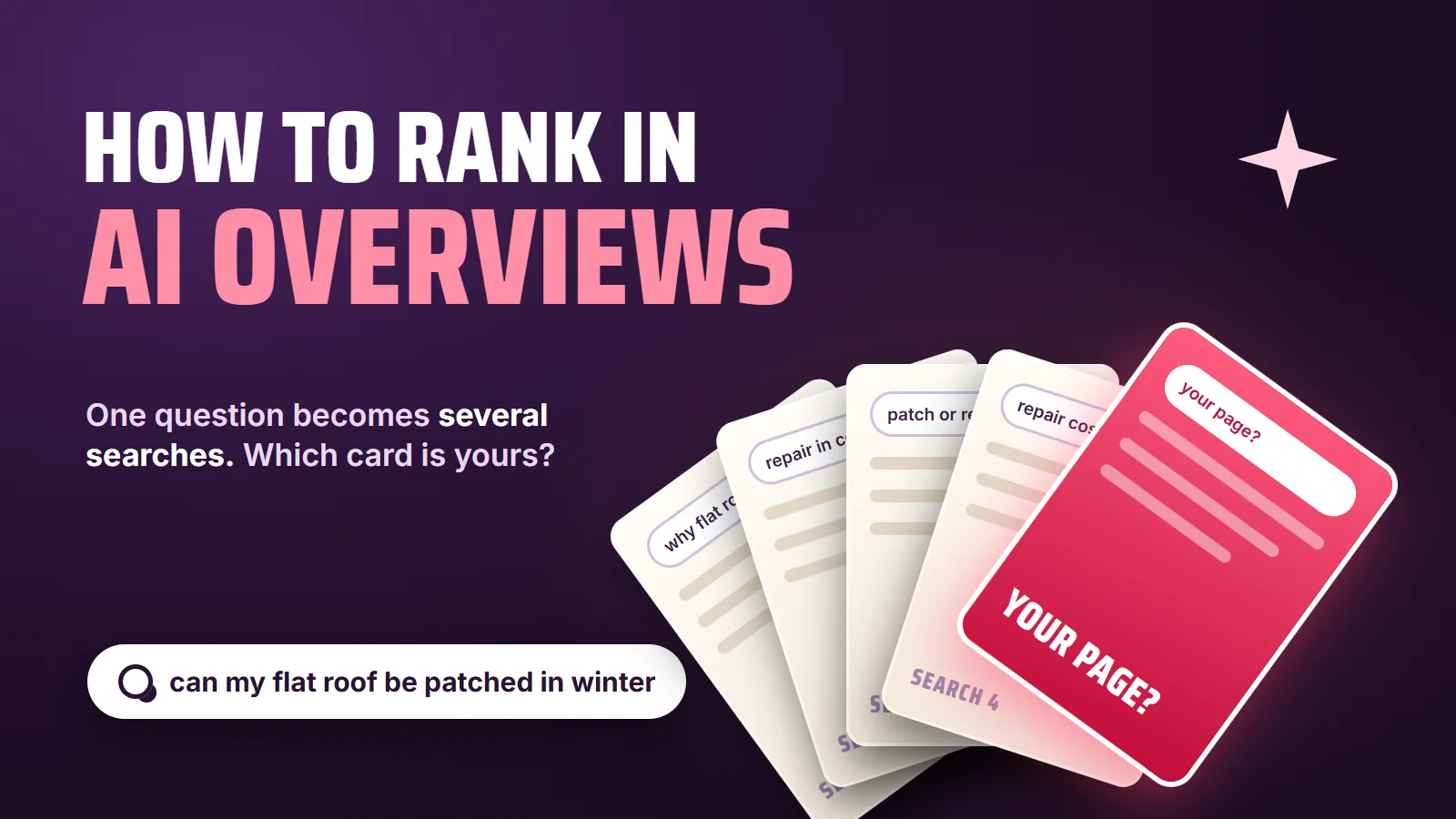
AI Overviews and AI Mode don’t work like ten blue links. Google says AI Mode is meant for questions that might have previously taken multiple searches
, and that both features can break a question into related searches and pull supporting pages from each. That’s why the cards next to the answer often aren’t the pages that rank first for the words you typed. They’re the pages that answer the pieces.
our flat roof leaks every time it rains, can it be patched in winter
- Search 1why flat roofs leak after rain
- Search 2flat roof repair in cold weather
- Search 3patch or replace a flat roof
- Search 4flat roof repair cost
For a business, that changes what “ranking” means. A page that clearly answers one of those smaller questions can earn a card, even if it would never top the results for the full question. A home page that says “quality roofing, call today” answers none of them.
Two more lines from Google’s page are worth knowing before anyone sells you anything. First: AI Mode and AI Overviews may use different models and techniques, so the set of responses and links they show will vary.
Being in one doesn’t mean you’re in the other. Second: AI Overviews are only shown when our systems determine that it is additive to classic Search, and as such, often don’t trigger.
On plenty of searches there’s no AI Overview to rank in at all, and the regular results are still the whole game.
The five gates a page has to clear
Google’s requirement is plain: to be a supporting link, a page has to be indexed and allowed to show a snippet in regular Search. Then it adds a warning owners should hear more often: Indexing and serving isn’t guaranteed.
That breaks down into checks you can run yourself, using the list on the same page.
- Googlebot can get inCrawling allowed in robots.txt, and, in Google's words,
by any CDN or hosting infrastructure
. A firewall or bot blocker that turns Googlebot away does the same damage as a bad robots.txt, and nobody notices until traffic drops. - The page is indexedPaste the URL into the URL Inspection tool in Search Console. If Google hasn't indexed it, nothing else on this list matters yet.
- Snippets are allowedGoogle lists
nosnippet,data-nosnippet,max-snippetandnoindexas the ways to limit what it shows. Any of them left on a page by an old plugin or a past developer can keep that page out of the answer. - The answer is in wordsGoogle asks for
important content
to beavailable in textual form
. Prices in an image, hours in a PDF and services listed only in a graphic can't be quoted back. - The facts match everywhereStructured data has to match the visible text on the page, and Google tells owners to check that their Business Profile is up to date. That second part is the core of local SEO, and it's where most service businesses have something stale.
- Then it competesClearing the gates makes a page eligible. Being picked still comes down to whether it answers the question better than the other pages that cleared them.
Google’s list also includes internal links, so pages can be found, and high-quality images and videos, when applicable
. For most local businesses that’s real photos of real jobs and short clips that answer the questions customers ask on the phone, the kind of content and video a stock-photo site never has.
The "AI Overview package," read back to Google
This is where it turns into BSEO: paying for something without knowing what it is. The lines below are examples of the kind of wording these add-ons use, not quotes from any one company. The right-hand column is Google, word for word, from the same page.
"We'll install an AI file on your site so Google's AI can read it."
You don't need to create new machine readable files, AI text files, or markup to appear in these features.
Google Search Central
"Special AI schema that gets you into AI Overviews."
There's also no special schema.org structured data that you need to add.
Google Search Central
"Guaranteed placement in AI Overviews."
Indexing and serving isn't guaranteed.
Google Search Central
"A separate AI Overview traffic report, only from us."
AI Overview and AI Mode traffic is reported on in the Performance report, within the "Web" search type
of your own Search Console.Google Search Central
Source: Google Search Central, "AI features and your website," last updated December 10, 2025.
None of that means the work behind a good page is free or easy. It means the work is the same work as SEO done properly, and anyone billing for a separate AI layer should be able to show you which of the five gates it fixes.
How to check whether it's working
You don’t need a new tool. Clicks and impressions from AI Overviews and AI Mode land in the same Search Console report as the rest of your search traffic, so the question is whether the pages built to answer questions are gaining impressions and clicks for the questions they answer. Google adds a detail worth watching in your own analytics: We’ve seen that when people click from search results pages with AI Overviews, these clicks are higher quality (meaning, users are more likely to spend more time on the site).
Fewer, better visits is a normal result, so judge it by calls and form leads, not by the visit count alone.
And while organic answers build, nothing stops you from paying to stand at the top of the page for the searches that make money today. That’s a separate decision from AI Overviews, and it’s what Google Ads management is for.
Send us your website. We'll show you the searches you're found for today, the ones you're missing, and which of the five gates your pages are stuck at. No charge, and no obligation. Or call or text 805.243.8321.
Get My Free Market Assessment