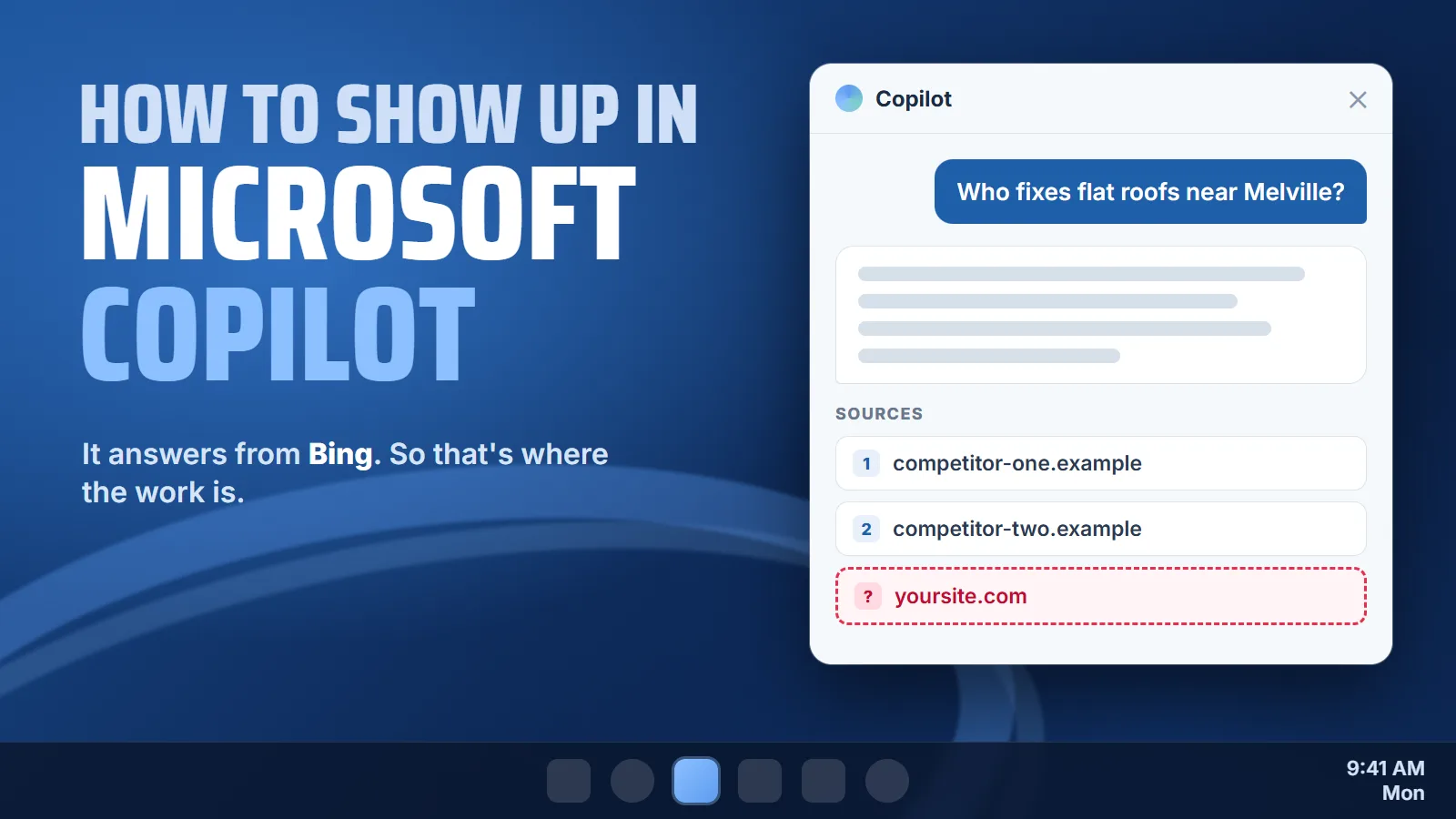
How to Show Up in Microsoft Copilot's Answers
The office manager at a dental practice has a leak over the waiting room. She doesn’t pick up her phone. She types into the Copilot box on her work computer: “commercial roofer near Melville who fixes flat roofs.” Copilot writes back a few lines, names two companies, and puts links under the reply. You’ve fixed three roofs on that same road, and you aren’t one of them.
As an SEO company on Long Island, we start with Microsoft’s own documents, because they say where those answers come from. Nearly every step runs through Bing, which means most of the fix is Bing work.
Copilot's answers start with a Bing search
Microsoft’s documentation for Copilot at work spells it out. With web search turned on, Copilot may fetch information from the Bing search service when information from the web helps to provide a better, more grounded response.
The same page walks through the steps:
- Reads the promptCopilot and Copilot Chat
parse the user's prompt and identifies terms where information from the web would improve the quality of the response.
- Writes a search
Copilot generates a search query that it sends to the Bing search service
. - Keeps it shortThat query
consists of a few words informed by the user's prompt.
- Answers from itWhat comes back from Bing
is used to compose the response returned to the user.
Source: Microsoft Learn, "Data, privacy, and security for web search in Microsoft Copilot and Microsoft Copilot Chat."
Bing’s own Webmaster Guidelines say the same thing from the other side: Bing and Copilot search experiences rely on the same core crawling, indexing, and ranking foundation as traditional search.
So the question isn’t how to get into Copilot. It’s whether Bing has your pages, trusts them, and finds one that answers the customer’s question. That’s where our AI search visibility work starts for any business that wants to be named by Copilot.
Get your site into Bing Webmaster Tools
If you’ve only ever set up Google Search Console, Bing has its own version called Bing Webmaster Tools. It’s free, and if Google Search Console is already verified, Bing says you can skip most of the setup: If your site is already verified in Google Search Console, you can import your verified ownership directly.
The reason to do it now is a report Bing released as a public preview in February 2026. Bing describes AI Performance as insights that show how publisher content appears across Microsoft Copilot, AI-generated summaries in Bing, and select partner integrations.
It counts how often your pages are cited and lists grounding queries, which Bing defines as the key phrases the AI used when retrieving content that was referenced in AI-generated answers.
Bing says the list is a sample, not every query, but it’s the nearest thing on offer to seeing which searches led an AI answer to your pages.
IndexNow tells Bing when a page changes
Search engines usually find changes by crawling, and they get around to it when they get around to it. IndexNow is the shortcut. The IndexNow FAQ says that process can be slow, taking days or even weeks
and that IndexNow lets you submit URLs immediately when content is added, updated, or deleted.
Bing’s guidelines list it first among the ways to make sure Bing can find your pages, and explain why it matters for Copilot in particular: Timely notifications help Bing refresh the index and reduce outdated or incorrect URL references in Copilot responses and grounding results.
If you changed your hours, dropped a service or added a new town, that’s the line that matters. An old page can keep answering for you after you’ve changed it.
You rarely need a developer for this. IndexNow’s FAQ lists WordPress, Shopify, Wix, GoDaddy, Duda, Joomla! and Drupal among the systems that offer native IndexNow integration or support it through SEO plugins or extensions
, and names Cloudflare as a CDN with built in support. It’s also worth it on a small site. The FAQ’s answer to whether a small website should bother: Yes. IndexNow is beneficial even for small websites with only a few pages.
Is your site blocking Bingbot?
Bingbot is the crawler Bing sends to read your pages. Under the heading “Allow Efficient Crawling and Rendering,” Bing’s guidelines list things to avoid, and one of them is Blocking Bingbot in your robots.txt file
. If Bingbot can’t read your pages, Copilot’s answers can’t be grounded in what they say. You can check in ten seconds by typing your domain followed by /robots.txt into a browser.
User-agent: * Allow: /User-agent: Bingbot Disallow: /
User-agent: * Allow: /Sitemap: https://yoursite.com/sitemap.xml
The less obvious problem lives inside the pages, in meta tags most owners never look at. Bing’s guidelines say NOARCHIVE prevents content from being used in Copilot responses and grounding results
and NOCACHE limits Copilot to using only the URL, title, and snippet, reducing citation depth and answer quality.
If someone added either one to your site template, Copilot has less of your content to work with, or none of it. Ask whoever manages the site to search the page source for noarchive and nocache.
This is changing. On October 30, 2026, Bing announced new AI Training and AI Grounding preferences that will replace NoArchive and NoCache, and said Starting February 1, 2027, Microsoft will honor the new preferences as it crawls
. If you never set a preference, Bing treats it as allowed: Both default to Allow when no applicable preference is published.
Bing is also blunt about what blocking costs: If you select DisallowExtended or Disallow for grounding, you will see reduced brand visibility in AI experiences.
Some publishers will choose that on purpose. A local business that wants calls almost never should.
Bing Places can copy your Google listing
Questions with a town in them are where local businesses win or lose, and Bing ties its business listings directly to AI answers. In the same announcement as AI Performance, Bing wrote that businesses can register with Bing Places for Business to help ensure that key details such as address, hours, and contact information remain current and eligible for inclusion in AI-generated responses.
If your Google Business Profile is already in good shape, you don’t have to type it all again. The Bing Places help page says you can link your Google account to import your Google business listing, saving the time and trouble of manually recreating existing listings.
After that, changes made to listings in your Google account will update your Bing listing the next time a sync is performed.
One warning from the same paragraph: If listings are matched, Bing will use Google data to overwrite the Bing Places for Business listing information.
So fix the Google profile first. Whatever is wrong there gets copied.
Service businesses that work at the customer’s address are covered too. Bing Places says service providers can hide their address from search results
, though every business still has to provide a valid address for verification. Bing also says it checks your details by comparing them with information available across search engines, websites, and social media platforms
, which is why the same name, phone number and hours everywhere is the core of local SEO on Bing as much as on Google.
Pages that stand on their own
Bing’s guidelines are unusually direct about which pages get picked for AI answers. URLs focused on a primary topic are more likely to be selected for grounding results.
URLs are more likely to be selected for grounding queries and citations when content stands on its own.
And on structure: Place essential information near the top of the URL
and Avoid long introductions before addressing the main topic.
A single services page that says “roofing, siding and more” gives Copilot nothing to quote when someone asks whether a flat roof can be patched in January. A page about flat roof repair, with the answer in the first paragraph and the towns you serve written out, does. Bing also warns that images and video should not be the sole source of information required to understand the topic
, so a job video needs a few written lines with it. Building those pages and clips from the questions your customers already ask on the phone is the job of content and video work.
Ask Copilot, then read the citations
You don’t need a tool to see where you stand. In Copilot Chat at work, Microsoft says the citation section shows the exact web search queries (derived from the user’s prompt) that were sent to the Bing search service.
That tells you what Bing was actually asked, which is often shorter and plainer than what the person typed.
- Ask the way a customer would. Your service and your town, in plain words. Ask three or four versions.
- Read the citations. Write down the search queries Copilot sent to Bing and every site it linked. Microsoft notes the queries stay in the chat thread for only 24 hours, so copy them while you're there.
- Search those queries on Bing yourself. If your pages don't come up on Bing for them, that's a strong sign Copilot didn't have one of yours to use.
- Check the basics. Bingbot allowed, no noarchive or nocache, Bing Webmaster Tools set up, Bing Places matching Google.
If Copilot answers with no links at all, check the Web content toggle. Microsoft says If the IT admin turns off web search, the Web content toggle is turned off and appears dimmed.
In that case it isn’t searching Bing, and the test tells you nothing.
If someone offers you a “Copilot optimization” package, ask which of those four items it changes. Bing’s own guidelines say GEO does not guarantee grounding or citations in AI experiences
, so anyone promising a spot in Copilot’s answer is selling something Microsoft won’t promise. A package that can’t name what it changed on your site or your listings is BSEO: paying for something and not knowing what you bought.
Sources: Microsoft Learn, "Data, privacy, and security for web search in Microsoft Copilot and Microsoft Copilot Chat"; Bing Webmaster Tools Help, "Bing Webmaster Guidelines"; Bing Webmaster Blog, "Start Using Bing Webmaster Tools to Improve Your Site Visibility" (June 17, 2025) and "Introducing AI Performance in Bing Webmaster Tools Public Preview" (February 10, 2026); Bing Search Blog, "Your content, your choice: clearer preferences for training and grounding" (October 30, 2026); IndexNow.org FAQ; Bing Places for Business Help.
Send us your website. We'll check your robots.txt and meta tags for Bingbot, your Bing Places listing against your Google profile, and the pages a customer's question would land on, and show you the searches you're found for and the ones you're missing. No charge, and no obligation. Or call or text 805.243.8321.
Get My Free Market AssessmentBing and Google read the same website, so the work above pays off twice when it’s part of SEO done properly.