Why Did Google Change My Business Information?
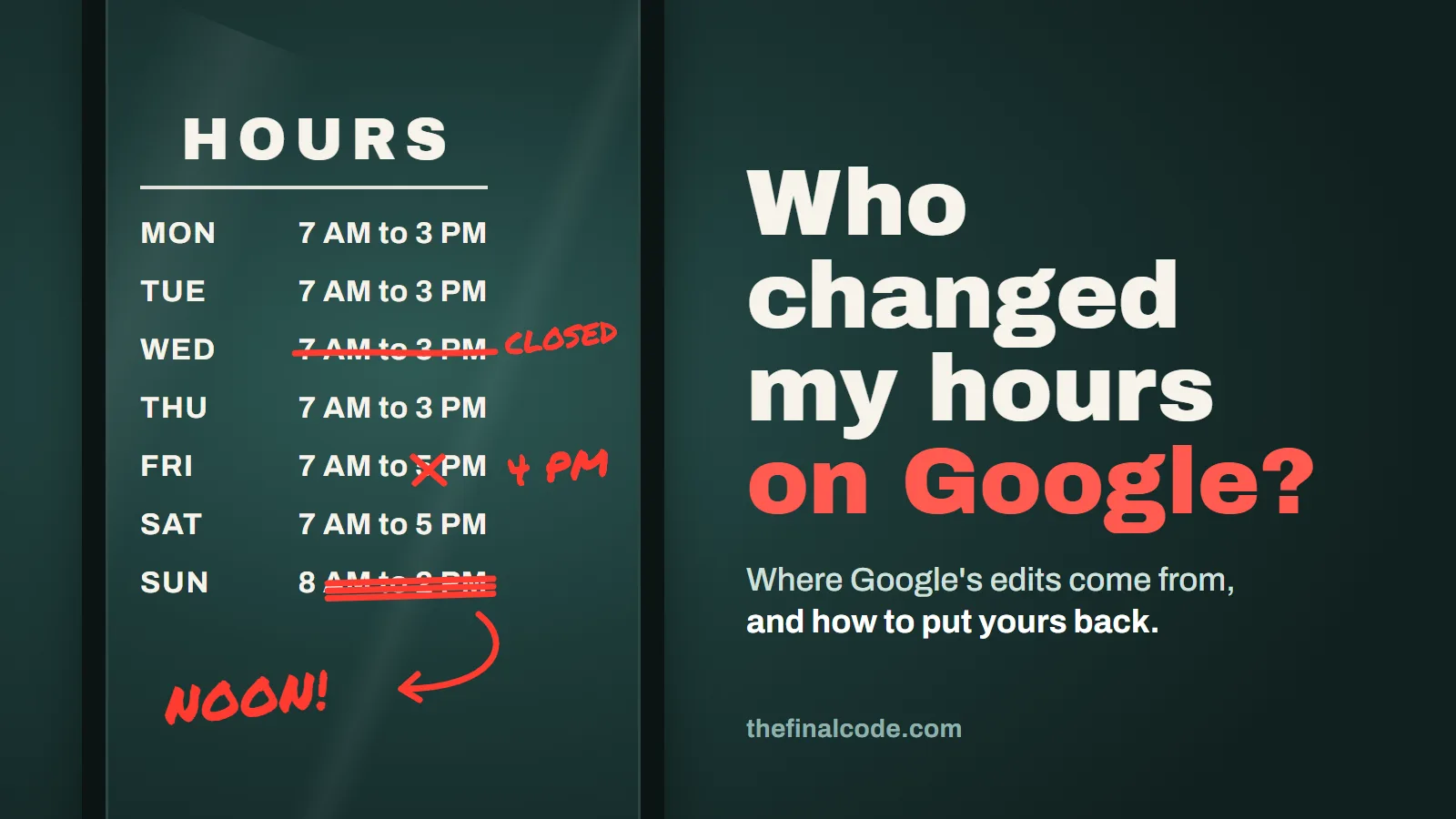
A bakery owner in Goleta opens her Business Profile on a Saturday night to post Sunday’s special and stops. Google now says she closes at noon on Sundays. She has never closed at noon. In the editor the Sunday hours are in blue, under a notification at the top of the page. Why did Google change her business information? Because Google doesn’t rely only on what the owner types in. In its own words, If sources report that your profile info is incorrect or outdated, Google may update your profile.
Those sources include customers who suggest edits, data Google licenses, your own website, and Google’s automated calls to your business. You can review the change, put your own info back, and fix whatever source told Google something different.
This comes up early in a lot of the work we do as a Santa Barbara SEO company, usually when an owner finds out from a customer standing at a locked door. Below is how the changes happen, as Google’s help pages describe them, quoted word for word. Where Google’s pages are vague, we say so, and where something is our opinion, we label it.
Where does Google get the info it put on your profile?
From more places than the profile editor. Google’s page on how it sources business information says Information in profiles is compiled from a variety of sources
and lists four.
- 1The web
Publicly-available information, such as crawled web content (e.g., information from a business’ official website)
- 2Licensed data
Licensed data from third parties
- 3People
Users who contribute factual information (such as addresses and phone numbers), and content (such as photos and reviews), including business owners who claim profiles through Google Business Profile
- 4Google itself
Information based on Google’s interactions with a local place or business
Source: Google Business Profile Help, "Understand how Google sources & uses info in Business Profiles & local search results."
Note who’s on the third card: you. The owner is one input among several. Google doesn’t name its licensed data providers, so there’s no list to check. The first card is the one you fully control, and we’ll come back to it.
How can you tell which details Google changed?
Look at the color of the text. Google’s page on its updates says In the profile editor, text color shows the type of update
, and spells it out: blue Shows info changed by Google.
Black or white means No updates from Google.
You don’t have to hunt field by field, either: If your profile has Google updates, you’ll find a notification at the top of the page.
- NameExample Bakery
- Phone(805) 555-0142
- Sunday8:00 AM to 12:00 PMBlue text: changed by Google
- Websiteexamplebakery.com
Made-up business and number, for illustration. The spreadsheet columns are the ones Google names for owners who download their profiles.
Sources: Google Business Profile Help, "Understand Google updates on your Business Profile" and "Download your Business Profiles to a spreadsheet."
If you manage several locations, the spreadsheet is the faster way to see it all. Google says you can tick Include Google updates
when you download, and a column marked [UPDATED] Shows Google-updated info next to the info you provided.
A [DELETED] value means Google removed something you entered. Google’s own example: if you said you’re open Tuesdays and Google finds data that you’re closed on Tuesdays
, that’s what you’ll see.
Now the part Google leaves fuzzy. The page says You can review and manage these updates on your Business Profile.
It also says, as an important note, You can’t manage all Google updates through your Business Profile.
It doesn’t say which ones you can’t manage, and it doesn’t lay out the buttons for reviewing a Google update in the editor. What Google does say clearly is the fallback: You can always update your Business Profile directly to ensure it remains accurate.
In our view, if a field is wrong, edit it back to the truth and save. Don’t wait for a review screen you may never get.
What happens when a customer suggests an edit?
Anyone with a Google Account can do it. Google’s Maps help says users can Select Suggest an edit
on a place and change its name, category, location, hours, phone number or website. The same page puts the limit on it: You can provide feedback that helps Google Maps decide whether to change a place’s information.
A suggestion is a vote, not a change.
When a suggestion is about your profile, Google says it will notify you about certain suggested edits before they are published.
Note the word certain. Then the clock starts.
- 1. Someone suggestsA customer, a competitor or anyone else picks Suggest an edit on your listing.
- 2. Google tells youBy email or a notification in the product, for edits that need your review.
- 3. You have 4 daysTo accept or reject the suggestion.
- You acceptThe suggestion goes on your profile.
- You rejectGoogle's page stops there. It doesn't say what happens next.
- You say nothingGoogle may publish it if your website or other public info backs it up.
Some edits skip the four days. Google may apply them without asking you when they're needed to meet its policy guidelines.
Drawn from Google Business Profile Help, "Understand Google updates on your Business Profile," and Google Maps Help, "Edit place information in Google Maps."
Google’s exact words on the two key steps: Once notified, you have 4 days to accept or reject the suggestion.
And if you don’t: If you don’t respond within 4 days, Google may automatically publish the update if it is supported by other publicly available information, such as your business website.
That second sentence explains a lot. If a customer suggests your Sunday hours end at noon, and your website still lists the short winter hours from two years ago, the website agrees with the customer, not with you. In our view that’s the usual reason a wrong edit sticks: some page Google can read still says it.
The exception is worth knowing too. Google says it may apply suggested user edits to your business information without prior review. This happens in cases where edits are necessary to meet policy guidelines.
Google gives no examples. Our guess is a business name with extra keywords added, but that’s a guess.
What if you just ignore the notices?
Then the four days run out and the decision is Google’s. Google’s wording is may
, so an ignored suggestion isn’t certain to go live. But the test it describes is whether other public information supports the edit, and you don’t get a say in that test once the window closes. We’d treat every notice as a four-day deadline.
Notices also go to whoever is on the account, and an inbox nobody reads might as well be no inbox. In our view an owner who never signs in finds out about a published edit the way the Goleta baker did, from the profile itself or from a customer.
Wrong hours cost more than a lost walk-in if you also buy ads. In our view a profile that shows you closed when you’re open turns paid clicks into people who think the door is locked, which is why the profile is one of the first things we check in Google Ads management.
Can a phone call from Google change your profile?
Yes, and owners rarely connect the two. Google says it might occasionally use automated calls or texts to contact the phone number on your Business Profile
, for example to confirm your operating hours or if certain services are available.
Whoever picks up the phone is answering for your profile: Any information you provide, including photos and posts, will be added to your Business Profile on your behalf, subject to our content policies.
So if a new hire answers the shop phone and says you close at noon on Sundays because that’s their shift, that answer can end up on your profile. Google says these changes are reviewed and marked as “Pending.”
and that The review might take up to 5 business days.
Where Google has the feature turned on, the editor also has a Collected info view where you can see what Google gathered this way. Google says You can also find the source of this info and the date it was collected.
One catch: Deleting collected information removes it from Google’s records but does not change other details already on your Business Profile.
Delete it and then fix the field too.
You can switch these calls off. Google’s path is your Business Profile, then More, then Business Profile settings, then Advanced settings, where three switches sit under one heading.
- Bookings and inquiries from customers
- Keep your profile up to date
- Post to your profile on your behalf
Switch names quoted from Google Business Profile Help, "About automated calls and texts from Google to your business." Shown switched on for illustration; your settings may differ.
We wouldn’t turn them all off by reflex. If whoever answers the phone knows the real hours, the calls help. One warning from the same page that every owner should hear: Google will never ask for payment, credit card information, or account passwords.
A caller asking for money to keep you on Google isn’t Google.
How do you stop the same edit from coming back?
Make every place Google reads say the same thing as your profile. Google’s guidelines ask you to represent your business as consistently represented and recognized in the real world across signage, stationery, and other branding.
In our view that rule applies to every field. Here’s the sheet we run when an edit keeps returning.
- FieldCheck it againstWhy it drifts
- HoursYour website footer and contact page, the sign on the door, and what staff say on the phone.An old hours line on the website, or an off-season schedule nobody updated.
- PhoneEvery page of your website, and your invoices and receipts.A retired line or tracking number still printed somewhere Google can read.
- AddressThe website, the sign, and the suite number the mail carrier uses.A move that changed the profile but not the website.
- WebsiteThe address your site actually loads at today.An old domain, or a page that redirects somewhere else.
- CategoryWhat the business mainly does, in one plain phrase.Customers suggest what they think you are. Your site should make it obvious.
Our checklist. The reasoning comes from Google Business Profile Help, "Understand Google updates on your Business Profile" (edits backed by other publicly available information, such as your business website
) and "Guidelines for representing your business on Google."
In our view seasonal businesses are the most exposed, because customers report what the door said the last time they came by. Google’s guidelines say If applicable, you may use your current seasonal hours as your regular hours.
and You may also specify special hours for particular days, like holidays or special events.
Change them on the profile and the website the same day.
The rest is habit. Answer every suggested edit inside the four days. Sign in at least once a month and look for blue. And keep the profile complete, since Google says that when you use a spreadsheet upload, If a field is blank: An automatic update may apply.
An empty field is an open invitation. Keeping these details aligned is ordinary local SEO work, and in our view it’s the part most often skipped.
When is a changed field a sign of a bigger problem?
When the change isn’t blue. Blue means Google did it. Black text you didn’t type means someone with access to your profile did. Google’s owner and manager page says managers have mostly the same access to the profile as owners.
That includes editing hours, the address, the phone number and services, and its table gives both owners and managers the right to Accept all Google updates
. A former employee or an old agency that still has manager access can change your info, or accept a bad Google update for you, without ever telling you.
So check the list. Go to your Business Profile, then More, then Business Profile settings, then People and access. Google notes that Users in the account can find names and email addresses of the owners and managers.
If you see a name you don’t recognize, or one that should have been removed when someone left, that’s your answer. If someone else holds the owner seat, getting it back is a separate fix through Google’s ownership request.
If you pay someone to manage the profile, ask them what they changed last month. If they can’t say, you’re paying for BSEO, and BSEO is you not knowing what you bought.
Some edits are a warning of a different kind. Google’s Maps help says Edits that try to significantly change a business may be rejected. These edits may be fraudulent or indicate that the business should be removed.
A suggestion that renames you, moves you or marks you closed deserves a reply the same day. And a profile that keeps fighting Google over the basics can end up suspended. That’s its own subject, with its own appeal process, so we’ll leave it there.
Why it matters past the map: the same hours, phone and address feed what AI assistants say when someone asks who’s open nearby. In our view a profile that flips between two versions of your hours gives those answers two versions to choose from, which is why the profile comes first in our AI search visibility work.
Sources: Google Business Profile Help, "Understand Google updates on your Business Profile," "Understand how Google sources & uses info in Business Profiles & local search results," "Edit your Business Profile," "Download your Business Profiles to a spreadsheet," "About automated calls and texts from Google to your business," "Manage your Business Profile owners & managers" and "Guidelines for representing your business on Google"; Google Maps Help, "Edit place information in Google Maps." All checked November 2026.
Send us your business name. We'll check your profile for Google updates and pending edits, compare it with your website, and show you how you stack up against the businesses that outrank you nearby. No charge, and no obligation. Or call or text 805.243.8321.
Get My Free Market AssessmentOnce your profile and website say the same thing, SEO built on accurate details is what turns them into calls.