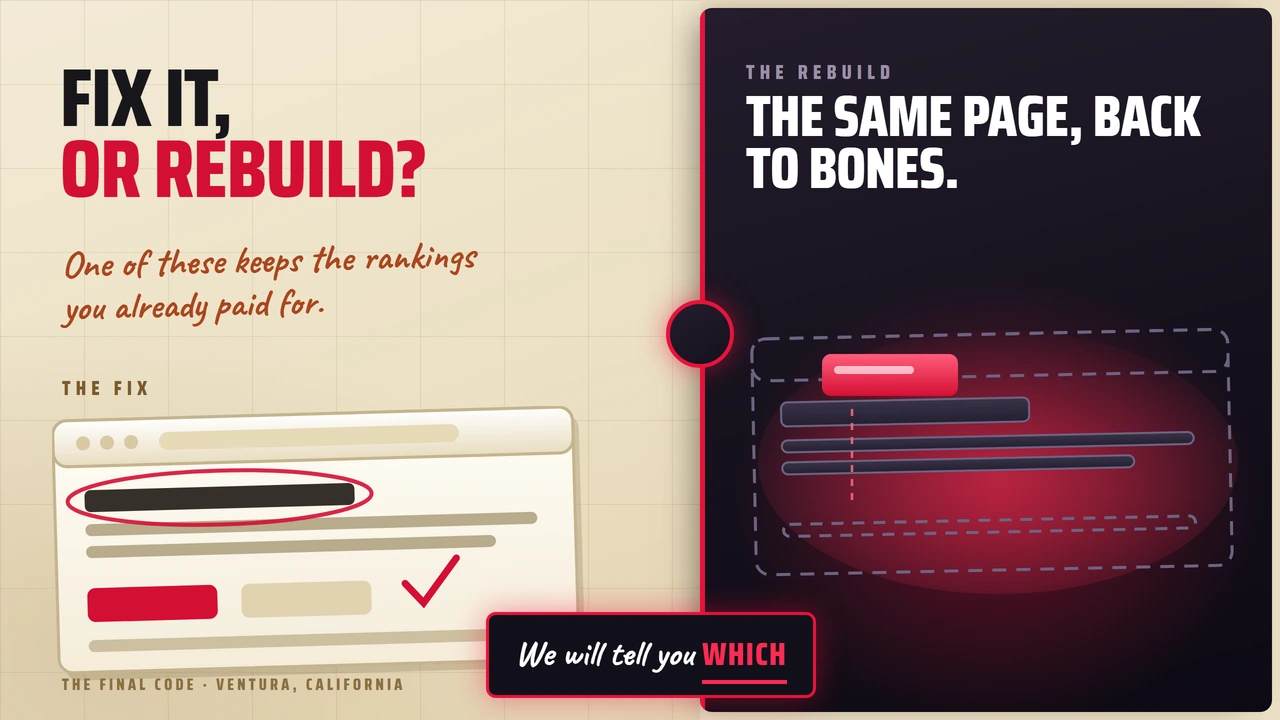
Should You Rebuild Your Website or Fix the One You Have?
Rebuild or repair Ventura, California An asset decision
If the site is earning, fix it. Rebuild when the platform itself is the ceiling, not when the design has aged.
And whichever you choose, the pages currently bringing you work do not get deleted. They get carried over, address and all.
If the site is earning nothing at all, which is more common than people expect, you are freer than you think.
Somebody has told you the site looks dated. Maybe they are right. But looking dated and costing you money are two different problems, and only one of them is worth a rebuild.
We build sites and we run the search side, so we get asked this constantly as an SEO company in Ventura, California. The honest answer costs us work about half the time, which is exactly why it is worth reading.
The question owners ask, and the one that matters
The question people arrive with is "does my website look old." It is the wrong question, because it has nothing to do with money.
The question that matters is this: what is this site currently earning, and what would a rebuild put at risk?
An ugly site that ranks for forty terms and takes three calls a week is an asset. A beautiful site that nobody finds is a brochure. Before anybody talks about design, somebody has to open Search Console and find out which one you own.
Nobody demolishes a building because they dislike the paint. They check the foundation first.
Paint or plumbing: the triage
Run down this list and note what gets stamped. The tally tells you more than any opinion about the design will.
-
01
It looks dated, but it loads fast and people fill in the form.
Fix -
02
Some pages rank and bring work, but the rest of the site is thin.
Fix -
03
It is slow, and the slowness traces to images and a few plugins rather than the platform.
Fix -
04
It works, it just does not say the right things about what you sell now.
Fix -
05
The forms stopped arriving, or you are not sure whether they ever did.
Fix -
06
Nobody can add a page without calling a developer, so nobody adds pages.
Rebuild -
07
You need a page for every service in every town and the site physically cannot hold that structure.
Rebuild -
08
It cannot do the thing the business now runs on: a real catalog, account pricing, a booking flow, an integration with the system you live in.
Rebuild -
09
It is built on a stack of plugins from four vendors and something breaks every month.
Rebuild -
10
It is slow at the core, and the last three people who looked at it said the same thing.
Rebuild -
11
Nothing on it ranks, nothing ever has, and no other website links to it.
Rebuild
Notice the pattern. Everything stamped fix is about what is on the site. Everything stamped rebuild is about what the site is unable to become. That is the whole distinction, and it is the difference between paint and plumbing.
What a rebuild actually puts at risk
Here is the part that gets skipped in the excitement of new design, and it is the part that costs real money.
Your rankings are attached to addresses. Not to your company, not to your logo, to specific URLs. Change the addresses without telling anyone and the credit those pages earned goes nowhere.
301 and other permanent redirects don't cause a loss in PageRank.
That is Google's own documentation on site moves, and it is the good news. A rebuild does not have to cost you anything you have earned. It costs you when nobody does the mapping.
Google also says to expect some turbulence either way: "With any significant change to a site, you may experience ranking fluctuations while Google recrawls and reindexes your site." For a medium site it can take a few weeks or more before the new addresses fully replace the old ones, and longer for a big one. That is normal. It settles.
What does not settle is a page that simply stopped existing.
When there is nothing to protect
Everything above assumes you have something worth carrying over. A fair number of people do not, and that flips the answer completely.
They arrive with a site that has never ranked for anything, gets no traffic worth naming, and has no other website linking to it. Sometimes the domain itself is the problem: a name that was a compromise years ago, a hyphen nobody can remember over the phone, or a second-hand domain with somebody else's history attached to it.
When the audit comes back empty, the whole protect-what-you-have argument goes with it. There is nothing to redirect and nothing to lose. That is the cheapest a rebuild will ever be, and it is also the only moment when changing the domain costs you close to nothing, so if the name has been quietly embarrassing you, that is when it goes.
One note on a phrase you will hear in these conversations. Domain authority is not a Google ranking factor. It is a third-party score from tools like Moz and Ahrefs, built to estimate strength from the outside. Google does not use it and has said so. It is still a fair ten second read on whether anything is there at all, which is the only job it is doing here.
Checking properly takes about ten minutes, and you can do all three yourself:
- Google Search Console. Any impressions, any clicks, any query you would actually miss.
- Your analytics. Any traffic that is not you, your staff, or a bot.
- Links. Any other website in the world pointing at yours.
If all three come back empty, stop worrying about what a rebuild might cost you. Nothing is the one number a rebuild cannot make smaller.
You cannot lose equity you never had. That is not a consolation, it is permission.
Two cautions, both of which we have watched people get wrong. Empty is not the same as unexamined, so check before you conclude, because the pages that quietly earn are usually the ugly ones nobody remembers building. And if the domain does turn out to have age and links behind it, do not throw it away because the site sitting on it is bad. Keep the address and replace the house.
How to rebuild without losing what you paid for
-
1
Find out what is earning before you touch anything
Export every page that gets impressions or clicks in Search Console, plus every page that has ever produced a form fill. That list is the asset. Everything else is decoration.
-
2
Keep the addresses you can
The cheapest redirect is the one you never need. If a page is earning and its URL is sane, the new site should use the same URL. This is a choice somebody has to make deliberately, because most rebuilds change URLs by accident.
-
3
Map every URL you cannot keep, one to one
Old address to new address, a permanent redirect, and never a lazy sweep that dumps everything on the homepage. Google is explicit that permanent redirects do not cost you PageRank, but only if they point at the real replacement.
-
4
Keep the redirects up
Google's guidance is to keep them for at least a year so all the signals transfer. Taking them down after launch week undoes the work.
-
5
Launch in phases, not as one reveal
Put the earning pages live first and watch them. If something drops, you are looking at ten pages rather than two hundred. That is how we run a project, and it exists for exactly this reason.
Send us the website. We will tell you what it currently ranks for, what it earns, and whether your problem is paint or plumbing. Free, and yours to keep even if the honest answer is to leave it alone.
The case where a rebuild was obviously right
Superlok USA keeps thousands of instrumentation fittings in Ventura. The old site could not hold a catalog that buyers could actually search, which is the number eight stamp above: the site could not do the thing the business runs on.
They turned up for 294 search terms, most of them the company's own name. They now appear for more than ten thousand, and the business is up roughly fifty percent. The rebuild was not about how the site looked. It was about what it could not do.
If your own answer is landing on that side, the build work lives in websites and ecommerce.
Rebuild for what the site cannot become. Never for how it looks.
One more thing about timing
A rebuild resets some of your search progress while Google recrawls, and that is worth planning around rather than discovering. If you are already several months into search work, finishing the quarter before you move addresses is usually the cheaper order. We laid out that timeline in how long SEO takes to work.
And if the real problem is that nobody is finding the site at all, a rebuild will not fix that on its own. That is a different argument, which we made in SEO versus Google Ads.
If you are in Ventura County
We are at 1300 Eastman Ave in Ventura, California. Bring the site you have. We will tell you honestly whether it is worth keeping, and we have told people to keep theirs more than once.
No contracts, and never have been.
One conversation usually settles it. Tell us what the site is not doing for you and we will tell you whether that is a fix, a rebuild, or a problem that has nothing to do with the website at all.